WhatsApp Automation for SMBs: Use Cases and Real ROI
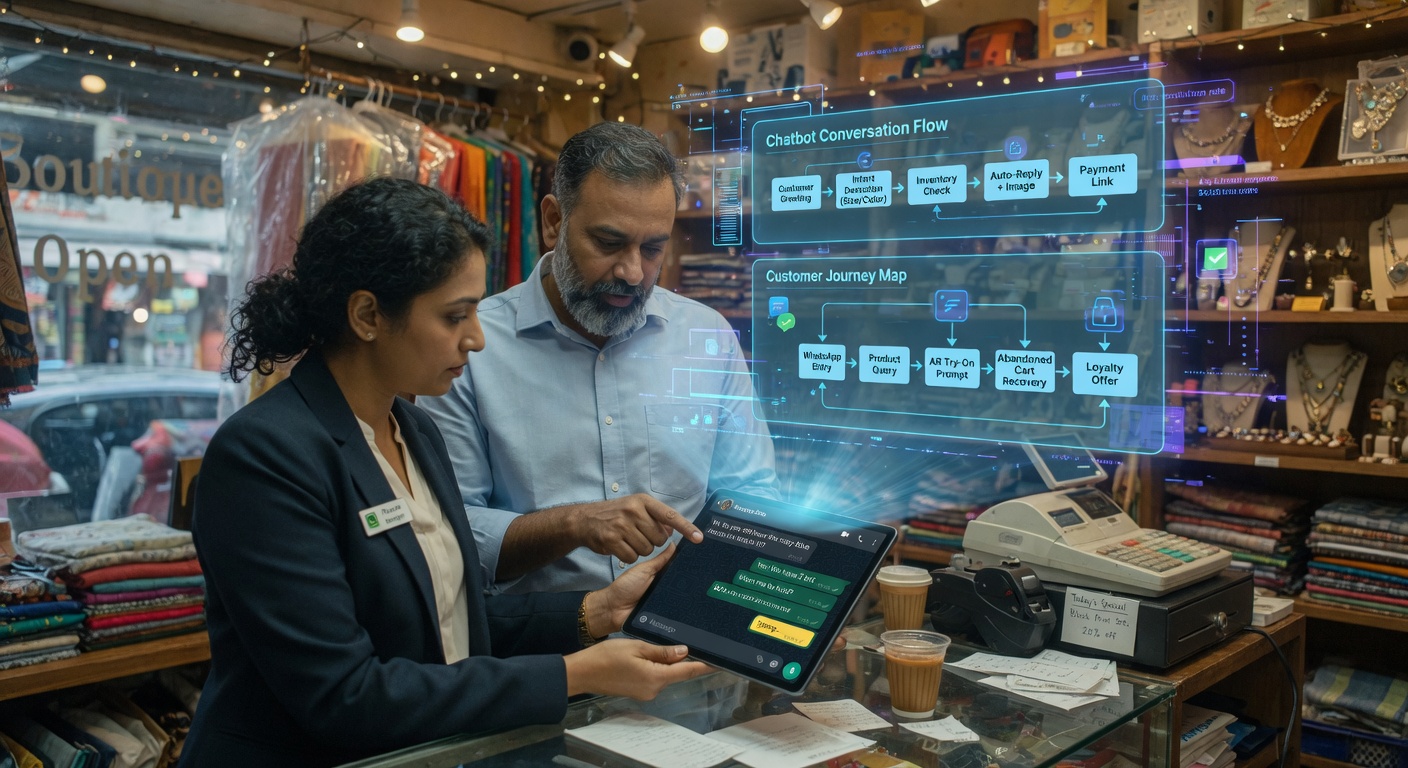
WhatsApp isn't just personal messaging anymore. In Spain and Latin America it's become the primary customer service channel for thousands of SMBs: from local shops to industrial distributors, clinics, and repair shops. The problem: handling queries manually burns hours you could spend selling, managing operations, or just breathing. This article covers real cases, actual savings numbers, and how to implement a solution without being a tech expert.
The current problem: WhatsApp as an interrupt factory
A typical SMB gets 20–50 WhatsApp messages a day. Not casual greetings: questions about prices, hours, order status, payment methods, product availability, scheduling site visits, complaints… The manager or employee spends 2–5 minutes per message: finding info, typing a reply, sending it. That easily adds up to 1.5 to 4 hours daily; in a week, 8 to 20 hours.
The consequences go beyond lost time:
- Slow responses. If the employee is busy, the customer waits hours (or days) for a simple answer. Sales research shows a response delayed more than 10 minutes cuts conversion probability by 40%.
- Information inconsistency. Each person replies in their own style and sometimes with different data. Customers get conflicting versions of prices or timelines.
- Team burnout. Handling repetitive queries drains your staff. Customer service annual turnover is around 30%, and one major cause is the monotony of repeated tasks.
- Lost opportunities. While an employee answers questions, they can't make follow-up calls, close sales, or manage critical operations.
In concrete terms: an administrative assistant in Spain earns on average €14/h (with overhead). If they spend 12 h/week on WhatsApp (3 h/day × 4 days), weekly cost is €168, monthly (4.33 weeks) ≈ €730/month. Annual: €8,760 just on manual reply time.

The solution: intelligent automation, not just "auto-replies"
Automating WhatsApp doesn't mean blasting the same message to everyone. It means building a bot that understands what the customer wants, responds with specific info, and escalates to a human when it doesn't know. The key pieces are:
1. Bot with FAQs and contextual replies
A WhatsApp customer service bot can handle:
- Checking hours (shop hours, technician visit slots)
- Order or delivery status (when connected to your ERP or spreadsheet)
- Product availability (real-time stock)
- Rough price calculation (internal form with materials/quantities)
- Scheduling visits (receive proposed date/time and confirm)
- Sending appointment reminders (24 h before)
Based on BigLobster customer data, a well-trained bot handles 60–80% of incoming questions without human help. That means out of 30 daily messages, 18–24 get resolved by the bot. Humans only step in for 6–12 complex cases.
2. Integration with your business
Real value comes when the bot accesses your company data:
- ERP/spreadsheet. Check stock, price, pending orders.
- Visit calendar. Suggest available slots and book appointments.
- CRM. Log the interaction so your sales team sees the history when they call the customer.
These integrations don't require coding; they're set up via connections (webhooks, Zapier, Make) between your system and the bot.
3. Analytics and continuous improvement
The system should give you metrics:
- Average response time (target: < 1 minute)
- % of queries resolved automatically
- Time saved per employee per day
- Customer satisfaction (post-interaction survey)
- Questions the bot couldn't answer, to improve the Knowledge Base
With this data you can tweak responses, add FAQs, and measure automation ROI.
Real case study with actual numbers: industrial supplies distributor
Let's look at the impact on a 25-person distributor SMB selling industrial supplies that managed orders via WhatsApp with no bot.
Before (no automation)
- Daily queries: 35 WhatsApp messages and 15 quote request emails.
- Staff assigned: 1 part-time employee (4 h/day) + manager (1 h/day) handling queries.
- Time per query: 3 minutes average (check stock in Excel, calculate price, draft quote).
- Weekly hours: (35 × 3 min)/60 = 1.75 h/day (5 days) = 8.75 h/week employee + 5 h/week manager = 13.75 h/week.
- Hourly cost (employee + manager): Employee €14/h, Manager €25/h → weighted: (4 h/d × €14 + 1 h/d × €25)/5 d = (€56 + €25)/5 = €16.2/h average.
- Weekly cost: 13.75 × €16.2 ≈ €223/week.
- Monthly cost: €223 × 4.33 ≈ €966/month.
- Annual cost: €11,592.
Implementing an integrated WhatsApp bot
The bot was configured with:
- Real-time stock lookup (connection to shared spreadsheet).
- Automatic quote generation (form with materials/quantities).
- Order status check (by invoice number).
- Site visit scheduling (suggest calendar slots).
- FAQ answers (hours, payment methods, warranties).
Solution cost: €250/month bot + €50/month Google Sheets connection = €300/month (€3,600/year).
Results after 2 months
- Queries handled by bot: 72% (25 of 35 daily messages).
- Average response time: from 2 hours (manual) to 45 seconds (automated).
- Hours freed up: Employee went from 4 h/day to 1 h/day supervision (3 h/day freed × 5 days = 15 h/week). Manager eliminated their 1 h/day entirely (5 h/week). Total: 20 h/week freed.
- Value of freed hours: €16.2/h (average) → weekly savings: 20 × €16.2 = €324/week.
- Monthly savings: €324 × 4.33 ≈ €1,404/month.
- Net monthly ROI: Savings minus bot cost = €1,404 − €300 = €1,104/month net.
- Annual ROI: (€1,404 × 12) – (€300 × 12) = €16,848 − €3,600 = €13,248/year net.
- Sales boost: Faster responses raised the rate of quotes accepted within 24h by 22%. The freed-up employee spent 10 h/week on follow-up calls, which generated 3 new sales (avg value €1,800) = €5,400 additional in two months.
Intangible but valuable benefits
- Customer satisfaction: Post-query surveys showed a 35% NPS improvement (from 28 to 38).
- Team peace of mind: Staff no longer feel pressured to reply instantly; they can focus on higher-value work.
- Information consistency: All customers get the same stock and price data, eliminating conflicts.
- 24/7 availability: Bot replies outside business hours; customers get instant answers and can decide without waiting.
Other use cases (with rough numbers)
Small dental clinic (5 staff)
- Daily queries: 20 messages (appointments, prices, treatment questions).
- Solution: Bot that books appointments (calendar integration), answers common questions (cleaning prices, orthodontics), sends 24h reminders.
- Bot cost: €200/month.
- Time freed: 12 h/week (2.4 h/day from receptionist). At €15/h → €180/week savings → €780/month.
- Net monthly ROI: €780 − €200 = €580/month.
- Side benefit: 40% drop in missed appointments thanks to automatic reminders.
Auto repair shop (8 staff)
- Daily queries: 15 (quotes, repair status, pickup times).
- Solution: Bot that, given a license plate, returns repair status and cost estimate.
- Cost: €180/month.
- Time freed: 10 h/week from receptionist → €150/week savings = €650/month.
- Monthly ROI: €650 − €180 = €470.
- UX improvement: Customers get detailed info instantly without calling during business hours.
If you want to explore beyond WhatsApp, check our article on AI security for SMBs which covers protecting the data your bots and automations handle.
Where to start: 4-step plan for SMBs
- Map your typical WhatsApp queries. For one week, log every question you get and sort them: stock, prices, status, appointments, other.
- Choose a pilot (2–3 processes). Start with the most repetitive and simplest: stock questions, product pricing, hours, site scheduling. Avoid legal or highly sensitive processes at first.
- Set up the bot and integrations. Use a platform that connects to your Excel, Google Sheets, or calendar. Build auto-responses for each query type. Set clear rules: when to escalate to a human (e.g., serious complaints).
- Measure and refine. After one month, review: % of queries handled automatically, average response time, customer satisfaction. Add questions the bot missed and repeat the cycle.
Pro tip: Involve the employee who currently handles WhatsApp in designing the bot. They know the real questions and can suggest natural replies. This also reduces resistance to change.
Typical entry costs (2026)
- Basic solution (predefined replies only): €60–120/month (ManyChat, Chatfuel, etc.).
- Integrated bot + 2–3 data connections: €180–300/month (BigLobster, others).
- Outbound messages (official WhatsApp API): €0.005–0.07/message (varies by country).
- Initial setup (catalog, hours, integrations): €300–800 (one-time).
- Hidden cost: Team time to define processes and review (~8–12 h).
Most SMBs recoup investment in the first month thanks to staff time savings.
How we implement this at BigLobster
BigLobster offers free diagnostics to identify your WhatsApp processes with the highest automation potential. We analyze your inquiry flow, propose a concrete pilot, and if you agree, configure the bot, integrations, and reporting in 2–3 weeks.
Our solutions include:
- WhatsApp customer service bot (not marketing templates).
- Integration with spreadsheets, calendars, and simple ERPs.
- Metrics dashboard: queries handled, response time, hours saved.
- Team training for supervision and edge cases.
- Ongoing support and adjustments post-launch.
Request your free diagnostic
If even one employee spends more than 8 hours a week answering WhatsApp or email questions, you should automate. Request a free 30-minute diagnostic and we'll tell you:
- What % of your queries can be automated.
- How much time and money you'd save monthly.
- What your first pilot process would be and how fast you'd see results.
Contact us here or send a WhatsApp message directly from the site. No commitment, just real data to help you decide.
Frequently asked questions
What is WhatsApp automation for an SMB?
It is a bot and workflow that answers routine WhatsApp questions with current business information, then sends unusual or sensitive cases to a person.
How much can a WhatsApp bot save?
Savings depend on message volume, response time, and integrations. Measure hours spent today, then compare that cost with the complete monthly solution.
Does automation replace customer service staff?
No. It removes repetitive replies so staff can handle exceptions, relationships, and sales follow-up with better context.