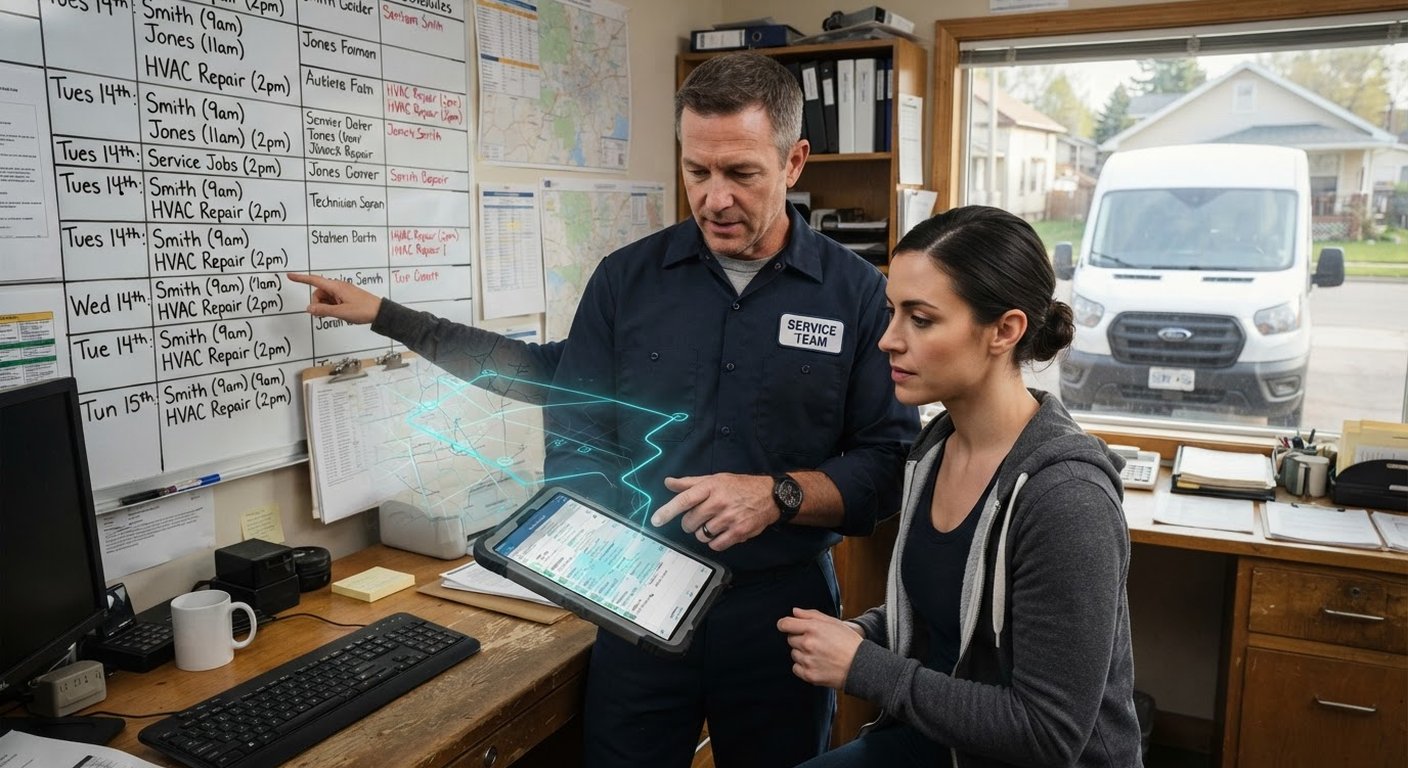
Most field service companies do not have one big operations problem. They have six small ones that keep handing work to each other badly.
A customer calls. Someone writes the details on paper. A dispatcher texts a technician. The technician asks for the address again. The office waits for a photo of the completed job. An invoice goes out two days later, if nobody forgets it.
That process can survive with three jobs a day. It starts to hurt when you add technicians, recurring work, emergency calls, or a second person doing the scheduling. The answer is not to buy the most expensive field service platform you can find. Start by connecting the work that already happens.
What field service automation actually connects
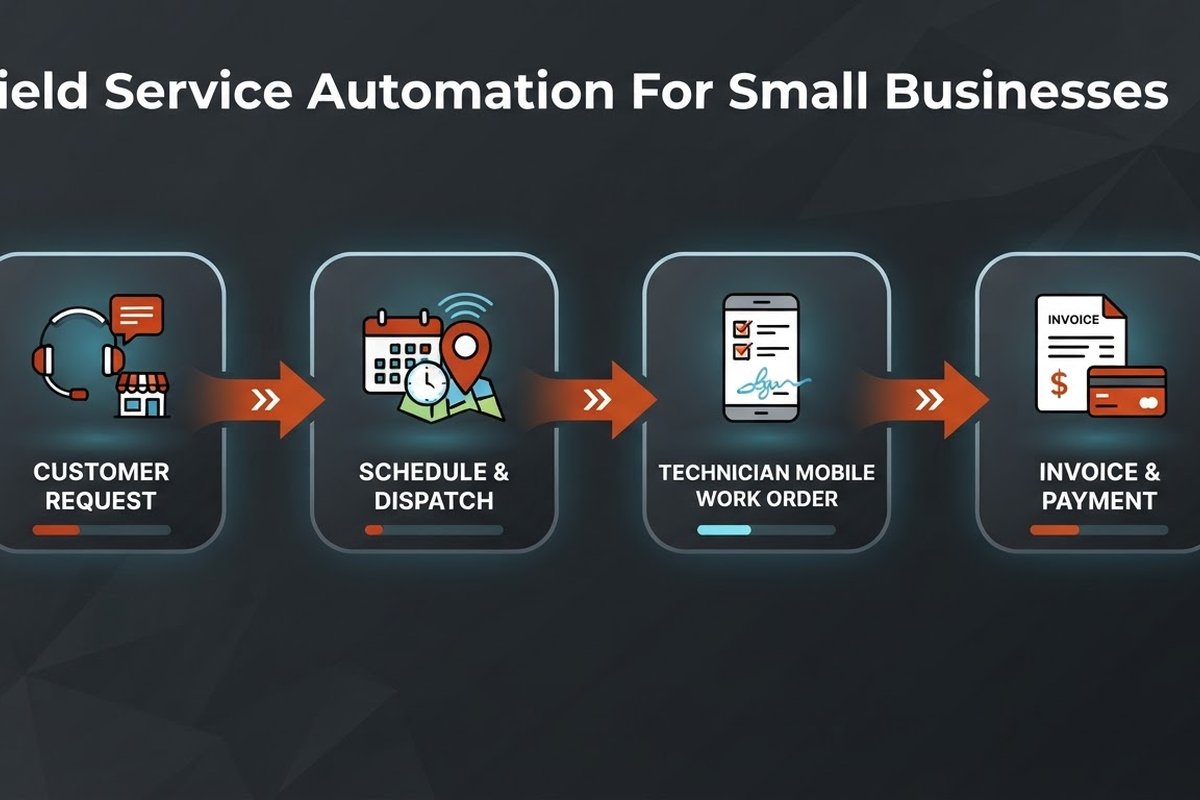
Field service automation is a chain of triggers and handoffs around work that happens away from the office. A new request creates a job. A confirmed job gets a time window and a technician. A completed visit creates structured notes, a follow-up task, and an invoice.
The software matters less than the shape of the process. You need a reliable record for the customer, the job, the location, the required skills, the time window, and the money owed. AI can help read a call transcript, suggest a schedule, summarize notes, or flag a missing part. It should not be asked to invent the basic facts.
Where small teams lose the most time
Look for the handoffs, not the shiny features. A handoff is a good automation candidate when the same information gets copied between people or systems.
- Booking: a call, web form, or message becomes a complete job record.
- Dispatch: the right technician gets the address, scope, access notes, and time window in one place.
- Job closeout: notes, photos, parts, and customer sign-off arrive before the technician drives to the next job.
- Billing: a completed work order creates an invoice instead of waiting in an inbox.
These are ordinary tasks. That is why they are good starting points. You can measure them without pretending that an AI assistant has transformed the whole company.
Which workflow should you automate first?
Pick the workflow that is frequent, annoying, and easy to check. For many service companies, that means booking and reminders. For others, it is turning a finished job into an accurate invoice.
Do not start with autonomous dispatch if your team cannot agree on how long jobs take or which technician is qualified for which work. Put those rules in writing first. Automation cannot repair a schedule built on private knowledge that only one dispatcher carries in their head.
A simple first project looks like this: a request enters through the website or phone system, the customer and service address are checked, an available slot is offered, and a confirmation goes out. The office still handles unusual jobs. Routine requests stop consuming five separate conversations.
What good dispatch automation looks like
Good dispatch software does more than show an empty square on a calendar. It considers technician availability, skills, territory, estimated job duration, travel time, and customer promises. The system can suggest a match, but a person should be able to see why it made that suggestion.
This is where a human approval step earns its keep. Let the system rank options and flag a conflict. Let the dispatcher approve the assignment. If an emergency call arrives, the dispatcher can override the normal rules and leave a note explaining why.
Start with one service type or one territory. Run the old and new processes side by side for a week. Track how often the suggested schedule needs correction. Those corrections are not a failure. They show you which business rules are missing.
Why the mobile work order matters
A technician should not need to call the office to find the customer history, job scope, access instructions, or parts list. A mobile work order puts the relevant context next to the work.
At closeout, ask for the same small set of fields every time: work completed, parts used, photos, customer sign-off, and follow-up needed. Voice transcription can turn a spoken summary into a draft record. Document extraction can read a serial number from a photo. A person should still confirm the result before it reaches billing.
This structure pays back twice. The office spends less time chasing missing details, and the business builds a usable history for repeat visits. Without consistent records, you cannot tell whether a recurring fault needs a different fix or whether a customer is being billed for the same work twice.
How to measure the payback without fooling yourself
Take a baseline before you change the workflow. For two or four weeks, record the time from request to confirmation, the time from job completion to invoice, missed appointments, schedule changes, and the number of jobs that need office rework.
After launch, keep the same measures. Add the cost of the software, setup, training, messages, and maintenance. A workflow that saves ten minutes but creates fifteen minutes of correction work is not an improvement. Neither is a system that completes more jobs while making technicians rush between them.
The best first win is visible in the daily work: fewer calls asking where a job stands, fewer jobs waiting for a missing photo, and fewer invoices reconstructed from scraps of paper.
What to avoid when you automate field work
Do not automate every channel at once. A half-connected phone system, website form, spreadsheet, and accounting package creates more places for a job to disappear. Choose one source of truth and make the next handoff reliable before adding another.
Do not let an AI system send pricing, reschedule high-value work, or close a job without a clear approval rule. Use automation for drafts, routing, reminders, and extraction. Keep exceptions visible. If the team cannot explain how to correct a failed run, the workflow is not ready for production.
And do not measure success by the number of automations you have. Measure the time and revenue that the operation recovers. A boring workflow that runs correctly is worth more than a clever demo that needs supervision every hour.
Frequently asked questions
What is field service automation?
It is the use of connected software to manage service requests, scheduling, dispatch, mobile job records, customer updates, invoicing, and follow-up. The goal is to remove repeated handoffs while keeping people in control of exceptions.
Does a small field service business need AI?
No. Start with reliable rules: confirmations, reminders, status changes, and invoice triggers. Add AI where it helps with messy inputs such as call notes, photos, or free-text requests. A good workflow does not need AI in every step.
Will automation replace the dispatcher?
Usually, it changes the job rather than removing it. Software can propose assignments and handle routine notifications. A dispatcher still deals with emergencies, customer promises, technician judgment, and the odd job that does not fit a rule.
How should we start if our data is spread across spreadsheets?
Pick one service type, clean the customer and technician records it needs, and document the current process. Move that slice into a single workflow first. Expanding a messy process across more jobs only makes the cleanup harder.