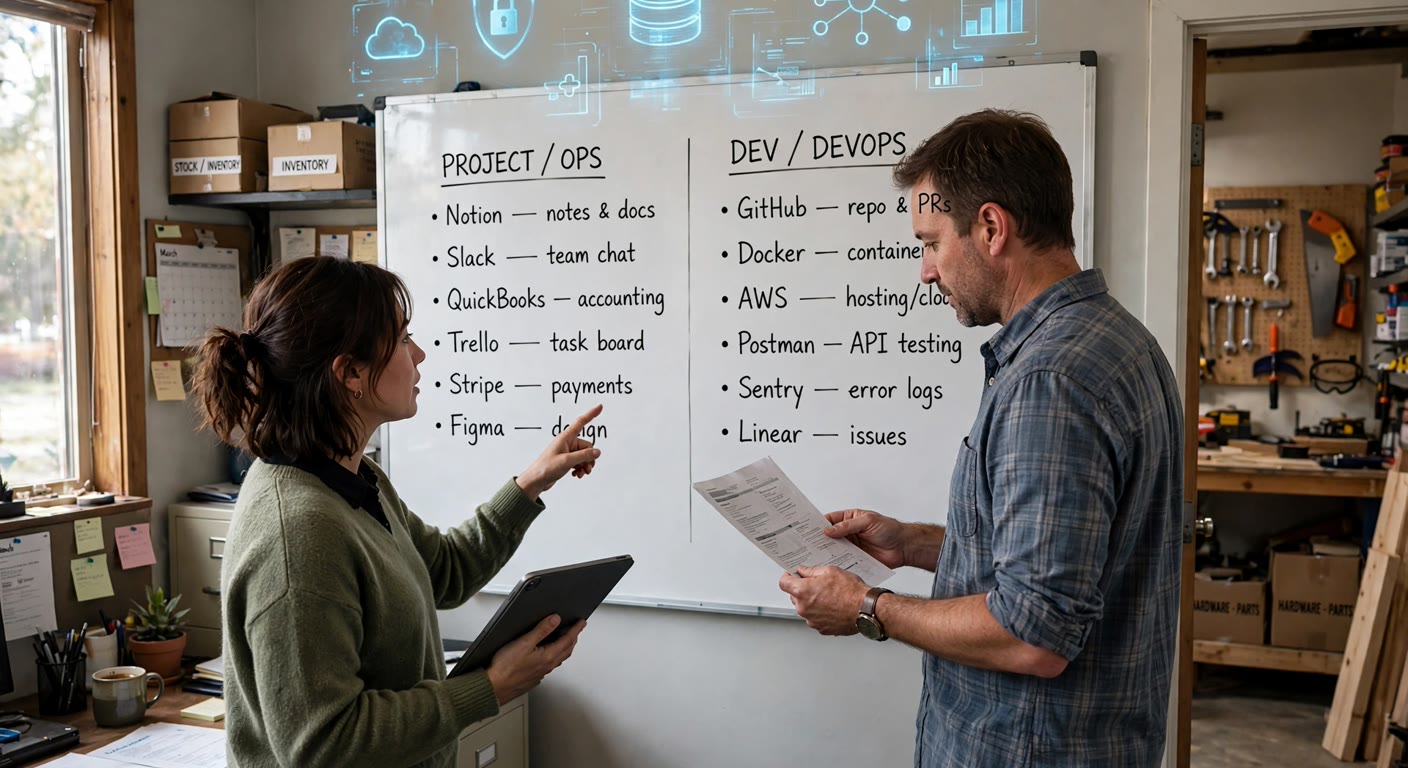
Mozilla announced it is closing Solo, the free AI website builder it launched in late 2023. There is no transition period worth the name: every Solo website, account and file is deleted on November 30, 2026, and the company says there is no way to recover any of it after that date. New signups closed the week the notice went up.
The straightforward version of that story is a migration guide, and plenty already exist for the people who happened to be hosting a site on Solo. The more useful version is the one nobody is writing: Solo is the fourth or fifth AI product to close in a matter of months, and the pattern behind those closures is what will actually cost a small business money. The tool dying is survivable. The data dying with it is not.
What Mozilla is actually doing with Solo
Solo let a solopreneur answer a few questions and get a live one-page site, hosting and a custom domain included, without touching a builder. It was genuinely good at that narrow job. Mozilla has now decided its focus is the browser, and Solo is not part of it.
The practical details come straight from Solo's own shutdown FAQ, and they matter more than the headline date:
- Everything is deleted on November 30, 2026. Sites, accounts and data, in one date, with no recovery path afterward.
- The export is self-service and partial. In Account Settings you download a ZIP containing an HTML export of your published site plus a CSV listing your image links, contact-form submissions and newsletter submissions.
- The images are not in the ZIP. Image source files have to be fetched one at a time from the links in that CSV, before the deadline.
- Domains bought through Solo need a manual transfer. Solo Domains customers (except those registered through IONOS) move to Name.com by setting up an account, completing the registrant, admin and technical contacts, and emailing their Name.com account code to Solo's support address.
- Paid subscribers get a prorated refund for unused time, calculated from October 1, 2026, automatically, and the subscription does not renew.
Solo's advice is to consider Wix, Squarespace or WordPress, or another AI builder such as Bolt or Lovable. What the FAQ does not say, because it is not in a vendor's interest to say it, is that an HTML export is a snapshot of published pages, not a working site you can keep editing. It gets you a head start, and it is not a plan.
Solo is not the exception. It is the pattern.
If Solo were a one-off, the sensible response would be to export your site and move on. It is not a one-off. In the same few months, a steady line of AI products has closed, and each closure followed the same shape: a quiet announcement, a hard date, and a window in which customers have to rescue their own data.
- Straico closed on July 22, 2026. The web app, desktop app and API all went offline that day, the data was permanently deleted, and lifetime-deal licences were not refunded, only monthly and annual subscriptions.
- Navigable AI shut down on August 31, 2026, a platform built on OpenAI's fine-tuning API. OpenAI announced changes to that platform on May 7, 2026, stopped new fine-tuning jobs for existing customers on July 2, 2026, and ends them entirely on January 6, 2027. The vendor took the feature; the customers took the migration.
- Stability AI retired Stable Assistant on October 1, 2026, with prorated refunds and an instruction to take your data with you.
- Microsoft deleted Microsoft 365 data belonging to nonprofits during a licence migration and admitted it could not be recovered, reported on October 1, 2026. Different cause, identical outcome: an organisation's files and email, gone.
The reason this is happening is not that AI is failing. It is that the last two years created thousands of small AI products whose economics only worked while growth was cheap, and a large share of them will not survive the next two years. The uncomfortable arithmetic is that the smaller the vendor, the shorter the notice, and the more of the cleanup lands on you.
Treat every AI tool as if it will close. Ask what you would lose on the day it does, then decide whether to accept that.
Five minutes of paranoia, once a quarter
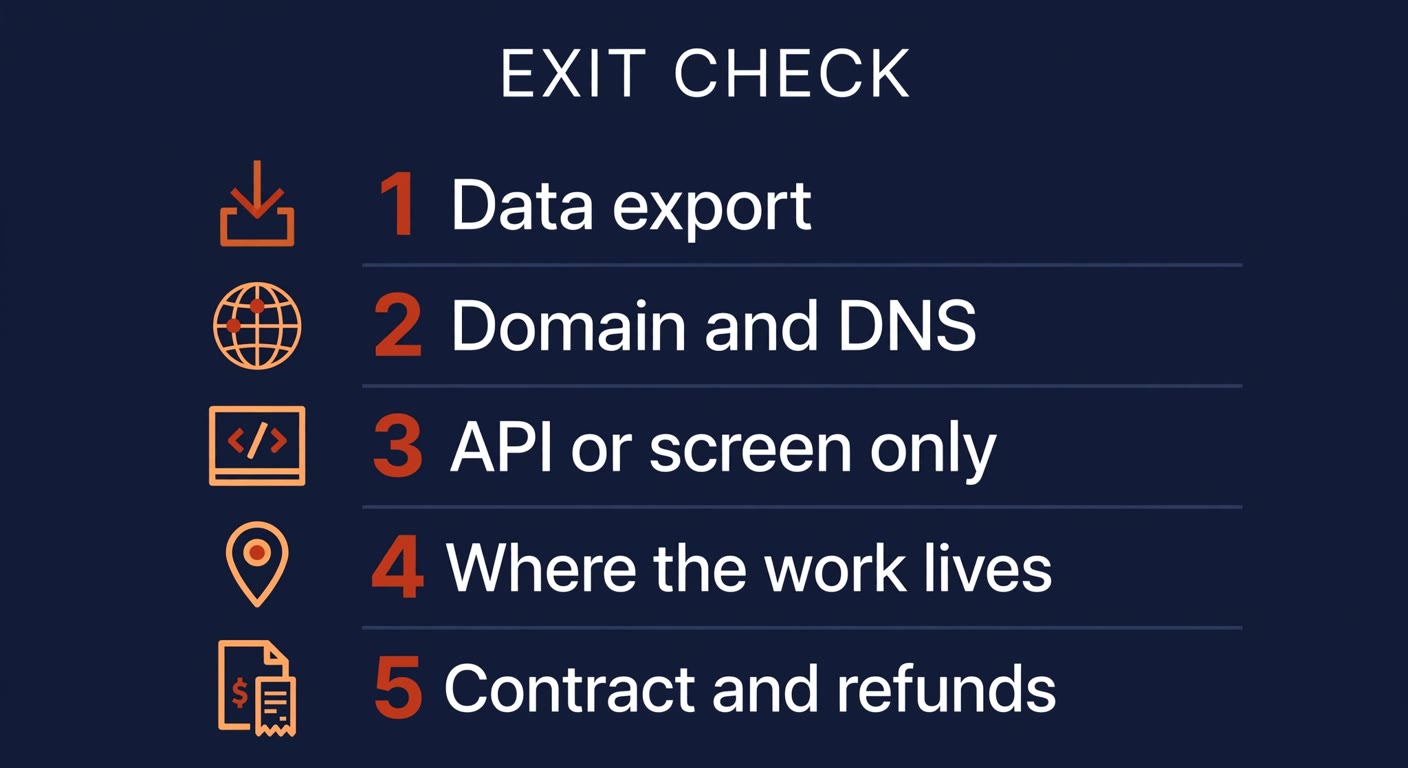
The five things that decide whether an exit hurts
You do not need a migration playbook for every tool you use. You need to know, for each one, whether you could walk away this week if you had to. Five questions answer that, and they take an afternoon across a whole stack.
| Check | The question to ask | Why it decides the exit |
|---|---|---|
| Data export | Can I export my data myself, in a format I can actually use, without emailing support? | If the answer is no, the vendor is the only one holding your content, and its shutdown date is also your deletion date. |
| Domain and DNS | Is the domain registered in my own account, with DNS I control? | A domain registered inside a tool is the one asset you cannot export. Losing it takes your email and any printed materials with it. |
| API or screen only | Is there an API, or only a user interface? | An API lets you pull years of data in an hour. A screen means copying things by hand, one page at a time, on a deadline. |
| Where the work lives | Does the process live inside this tool, or in my own files and systems? | If the tool is the process, its death stops an operation. If it is a layer on top of your systems, you lose convenience, not continuity. |
| Contract and refunds | What do the terms say about notice, termination and refunds? | It tells you whether you get a heads-up and your money back, or a banner on a login page. |
Run the five questions against each subscription in your stack and you will usually find one or two that fail hard. That is the point of the exercise: finding them now, while nothing is on fire, is cheap. Finding them on the day the email arrives is not.
Getting off Solo in the right order
If you do have a site on Solo, the order matters more than the speed. Do the export first, because everything else can be rebuilt from it and nothing else can.
- Download the ZIP today, not in November. Account Settings, then Download Website Data. Save it in two places, and note that the HTML is a snapshot of the published pages, not a live site.
- Fetch every image by hand. The ZIP does not contain image files, only links to them in a CSV. Those links stop working on November 30, so pull them while they are alive.
- Set up the Name.com side before emailing Solo. Create the account, fill in the registrant, administrative and technical contacts, add billing details, then send your account code to Solo's support address. A domain that lapses in the gap means downtime you did not plan.
- Keep the form and newsletter submissions apart. Contact-form entries and subscriber lists are personal data. Export them, store them somewhere with access controls, and do not leave them sitting in a downloads folder.
- Rebuild and test before you point DNS. Re-create the pages, then test every page, image, form and mobile layout on the new host. Switch the domain only when the replacement works, and keep the old site live until it does.
Frequently asked questions
Is Mozilla Solo really shutting down?
Yes. Mozilla has said it made the decision to close Solo, new registrations have already closed, and Solo's own shutdown FAQ states that all websites and data are deleted on November 30, 2026 with no way to recover them afterward. There is no extension or grace period published.
What happens if I do nothing?
On November 30, 2026 your Solo site, your account and everything inside it are deleted. The domain, if you bought it through Solo, is a separate asset with its own transfer path, and letting it lapse can take your email address with it. Doing nothing is the one option that guarantees the worst outcome.
Do I get a refund if I was paying for Solo?
Active Solo Pro and Grow subscribers get a prorated refund for the unused part of the billing period, calculated as of October 1, 2026, returned to the original payment method, and the subscription does not renew. You do not have to claim it, and it does not cover the free tier.
Which tool should I rebuild on?
Pick based on the exit check, not the launch speed. A host where you own the domain, can export everything on demand, and can move again without a rescue is worth more than one that promises a 20-minute setup. Solo's own FAQ points to Wix, Squarespace and WordPress, plus AI builders like Bolt and Lovable. Whatever you choose, own the domain in your own registrar account.
Is this a reason to avoid AI tools altogether?
No. It is a reason to check the exit before you commit, the same way you would before signing a lease. Use the small, fast tool if it earns its place, but keep the data exportable, keep the domain in your name, and keep a second home for anything you cannot afford to lose.
Have a stack of tools nobody has reviewed in a year?
BigLobster maps the software and AI tools a small business is running, flags the ones you could lose without warning, and fixes the two that would actually hurt: the domain and the data. Better to find out now than on the day the email lands.
Ask for a tool stack review