What is an electronic signature (and why it matters even if you're not technical)
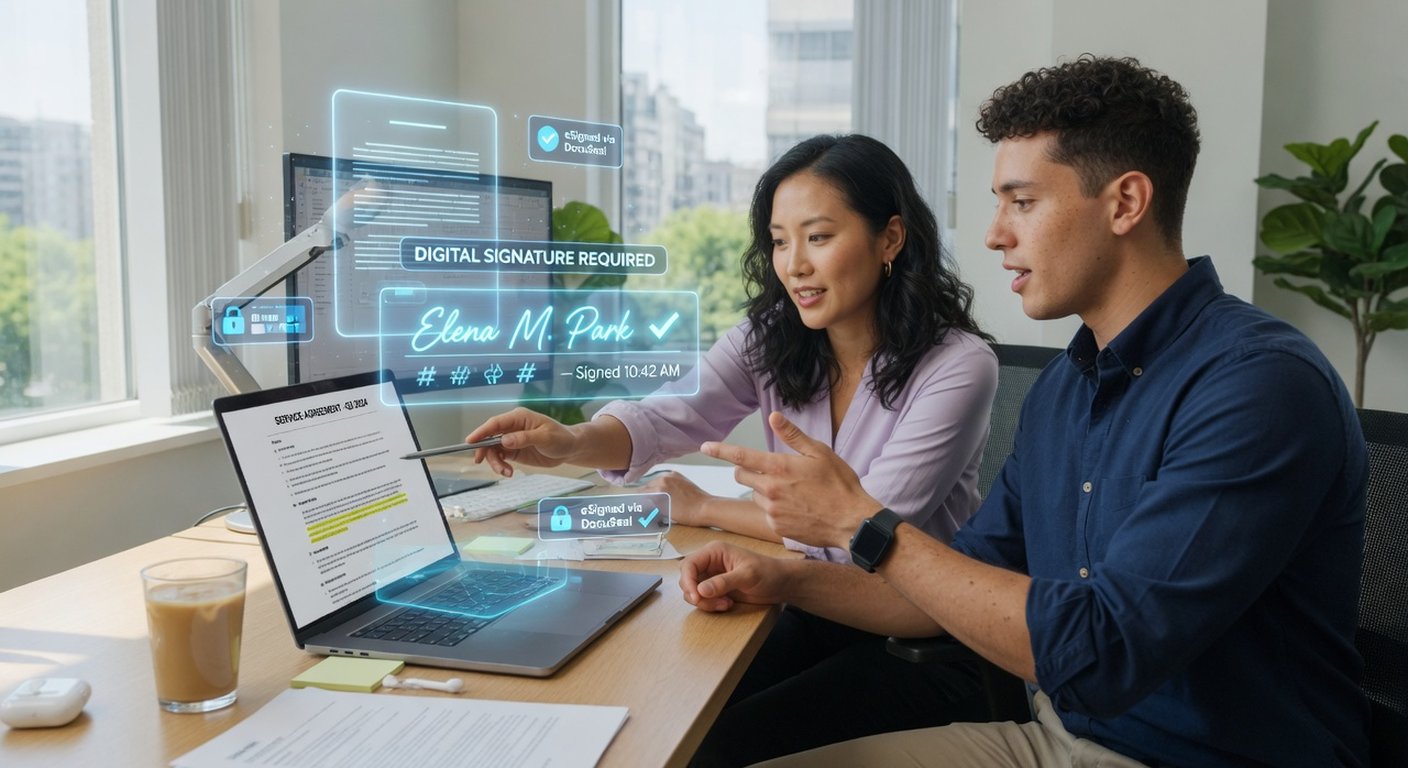
Let me start with the basics, because plenty of people still think electronic signatures are only for big corporations. They're not. It's simply a way to put your "signature" on a digital document so everyone knows it's you and nobody touched it afterward.
Think of it like a handwritten signature, but for files. When you sign a PDF with your certificate, two things happen: the recipient knows it's you (identification), and they know the document hasn't changed by a single comma since you signed it (integrity). And the best part: you can't later claim "I didn't sign that" — the key is yours and yours alone.
In Spain this is backed by two rules worth knowing by name, though you won't memorize them: the eIDAS Regulation (a 2014 EU law) and Spain's Law 6/2020 on electronic trust services. What matters is one idea: a qualified electronic signature has the same legal weight as your handwritten signature across the entire European Union.
I won't lie: getting your certificate the first time feels like a hassle. But it saves you dozens of trips to an office and countless hours every year. One morning spent now pays for itself repeatedly.
The three levels and which one you actually need
This is where most people get confused, because everyone says "electronic signature" as if there's only one kind. There are three levels, and they don't all do the same job.
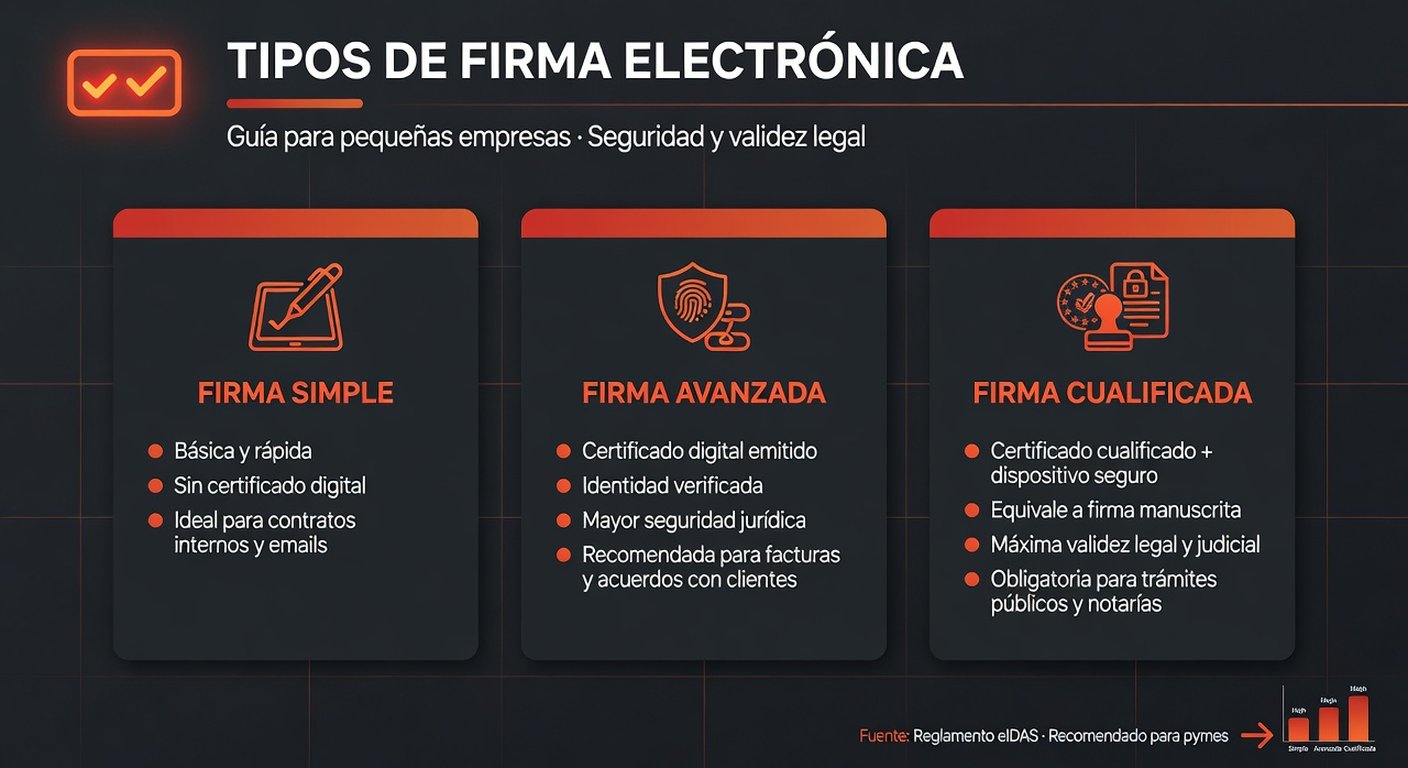
| Level | What it does | Real example |
|---|---|---|
| Simple | Proves you signed, but doesn't tie the document to you as strongly. Valid, but weak in court. | Signing a delivery service agreement with your finger on a phone screen. |
| Advanced | Uniquely linked to you and detects if the document changes. This is what government agencies and invoicing systems require. | Your FNMT certificate or ID card signing an invoice or tax form. |
| Qualified | The strongest: issued by a qualified provider. Equal to a handwritten signature in law. | A qualified certificate in a notarized deed or high-value contract. |
For everyday SMB work, advanced is what will actually save you. With the FNMT digital certificate or an ID card, you already have an advanced electronic signature. Qualified gives more legal protection, but for invoicing and filing your normal documents, advanced is more than enough.
Getting your digital certificate: no wasted days
Your digital certificate is the file that holds your keys and lets you sign. In Spain the most common one is from the FNMT (National Mint and Stamp Factory). Here's how it works — the process has a few steps that can send you back to square one if you miss them.
First, three pieces of good news:
Here are the actual steps:
Online application
Go to the FNMT website, fill out the form with your ID number and email, and download the "configurator" that sets up your browser. When you submit, a request code arrives in your email. Save it — you'll need it.
In-person validation
This is the only trip you have to make in person: you prove your identity at an authorized office (tax office, social security office, or some town halls). Book an appointment first, especially in summer when they're busy. Bring your ID and the code. It takes 10 minutes.
Download and install
Once validated, go back to the FNMT website, enter your code, and download the certificate to your browser. Set a strong password, and please — make a backup copy of the .pfx file on a USB drive or encrypted cloud storage. If it gets deleted and you don't have a copy, you start over from the beginning.
To sign, you use two free programs from the government: AutoFirma (signs on your computer without internet) and VALIDe (signs from your browser). And if you already carry an ID card with a chip, you can sign directly by inserting it into a reader. Warning: your ID card certificate expires when your ID expires, so keep track of the date.
Signing your electronic invoices (what you have to do in 2026)
If you run an SMB in Spain, this is probably why you're here. From 2026 onward, electronic invoicing between businesses is mandatory (set by Royal Decree 238/2026, March). That's where electronic signatures come in.
There are two ways to invoice, and signatures are handled differently in each:
- Public solution from the Tax Agency: You use the government platform. It handles the signature for you. Simpler, and you don't have to think about keys.
- Private platform (your invoicing software): Here the Royal Decree is clear: your invoices must be signed with an advanced electronic signature. Your software has to support it, or you won't be compliant.
My advice is simple: if your invoicing software doesn't let you sign with a certificate yet, switch now. Don't wait for a penalty to find out you've been issuing invoices that don't comply for months. Also remember you have to report the payment of invoices to the public solution within a short deadline (calendar days, excluding weekends and holidays). A lot of people skip that part and then chaos follows.
To see how this fits into the bigger electronic invoicing picture, check out our guide on mandatory B2B electronic invoicing. It's part of the same package.
Mistakes that eat up your whole day
I see these every week. Stupid errors that leave you up late trying to sign a document that won't open.
Mistake 1: not backing up your certificate
Your computer breaks and the certificate vanishes. Without a backup, you request a new one from scratch — complete with another trip in person. A USB stick costs €5 and saves you an afternoon.
Mistake 2: switching browsers mid-process
Your FNMT certificate installs in the browser where you downloaded it. Try to sign from a different browser and it won't be there. Use the same one every time.
Mistake 3: letting it expire without renewing
The citizen certificate lasts 4 years and renews online a couple of months before expiry. Let it expire and you run through the whole process again with another in-person appointment.
Mistake 4: sharing your certificate
It sounds obvious, but it happens: your certificate is your identity. Letting an employee use it "for convenience" is a legal risk that's not worth it.
Mistake 5: thinking your ID card certificate works the same way
Your ID card can sign, yes, but it expires when your ID does and not every system accepts it the same way they accept an FNMT certificate. Keep both options in your back pocket.
"Your digital certificate isn't a hassle to check off — it's the key your SMB uses to talk to the tax office, your clients, and the banks. One morning today, or hours of chaos every time it expires."
BigLobster teamRunning an industrial business? Don't put this off until inspection day
Galicia has plenty of small industrial firms — workshops, distributors, small factories — still managing chunks of paperwork in Excel or on actual paper. Electronic signatures aren't just for tax purposes: they matter in your relationships with suppliers and in traceability too.
To qualify as a supplier for a large account, they'll ask for signed, verifiable documentation. For the CBAM (the European carbon border tax affecting carbon-intensive industries), the data you submit has to be consistent and traceable. And if you use digital work orders, the signature from the person in charge closes the loop without printing a sheet.
This isn't about being "modern" for its own sake. It's about being able to send a signed document to a major customer or inspector at 5 PM and get it done in two minutes from your phone, instead of waiting until next week to find the printer.
Frequently asked questions
Does an electronic signature have the same weight as a handwritten one?
Yes. A qualified electronic signature equals a handwritten signature in law across the entire EU, per the eIDAS Regulation and Spain's Law 6/2020. Simple and advanced signatures are also valid, but their legal strength depends on how they were created.
How much does an FNMT digital certificate cost?
A citizen certificate is free. Other types, like a representative certificate for a legal entity, have a small fee (up to €24) and last 2 to 4 years.
Do I need an electronic signature for B2B electronic invoicing?
It depends. If you use the Tax Agency's public solution, it handles the signature. If you use a private platform, Royal Decree 238/2026 requires that invoices be signed with an advanced electronic signature.
Are AutoFirma and VALIDe the same thing?
No. AutoFirma signs on your computer without needing the internet. VALIDe signs from your browser by connecting to a government service. Both are free and come from the government.
Can I sign from my phone?
Yes, with an FNMT certificate on a mobile device or through certain apps from your bank. For heavier-duty signing, your computer with AutoFirma is still the most convenient.
Want to put your processes on autopilot?
BigLobster helps small businesses digitize their workflows: electronic invoicing, digital work orders, and government relationships — all integrated. Tell us what you're using now and we'll show you where you save hours every week.
Talk to BigLobster →